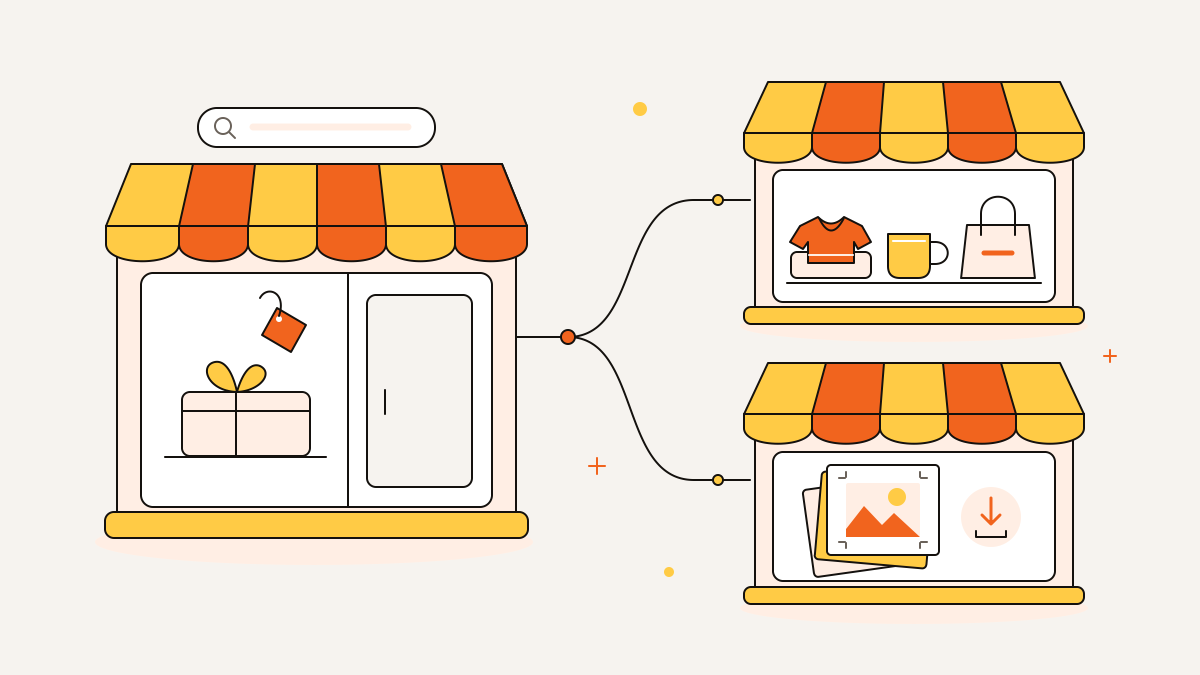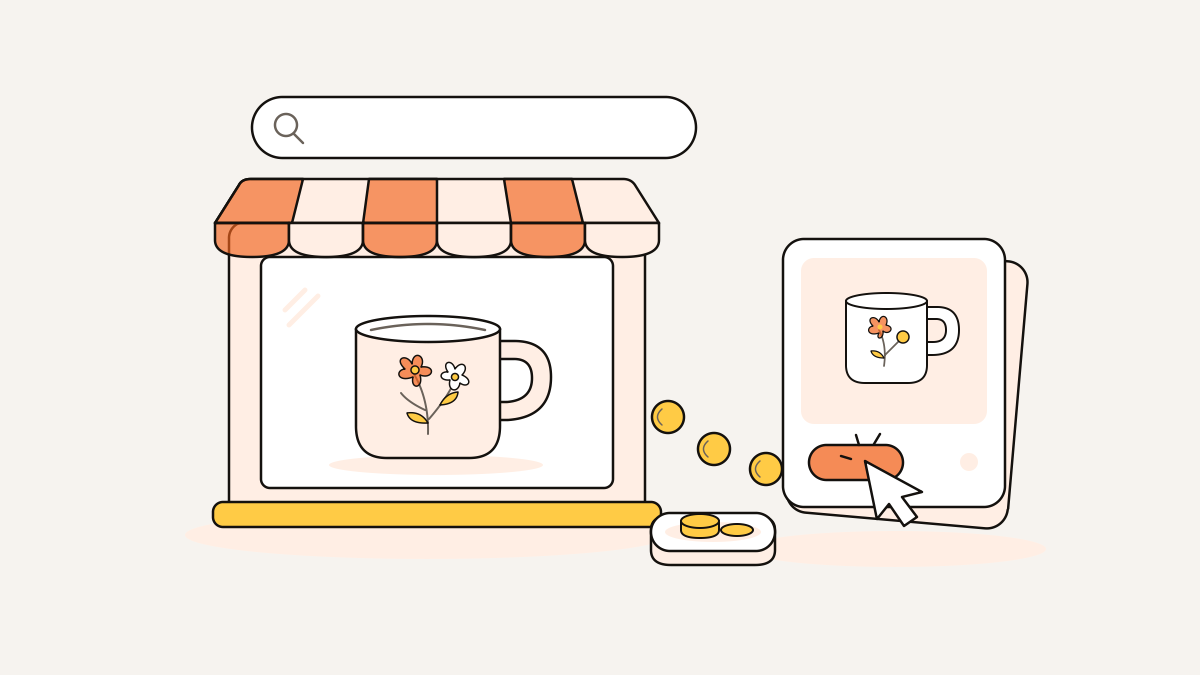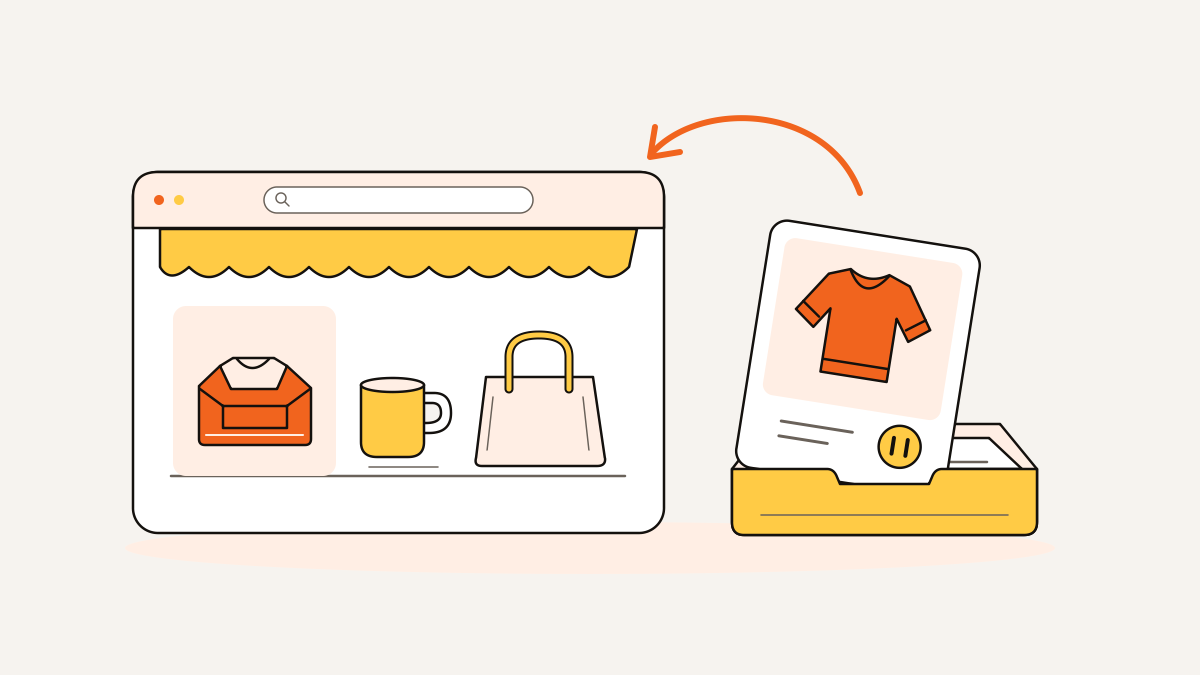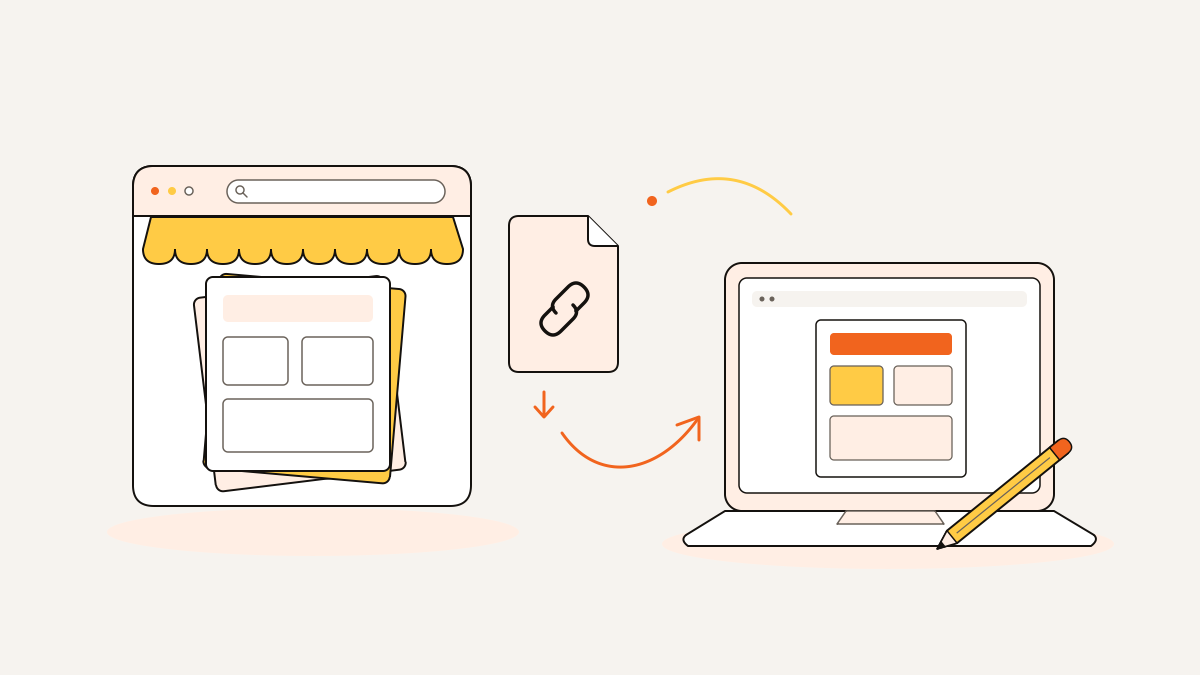
You can sell Canva templates on Etsy as digital downloads your buyer can edit. Create a design you have rights to sell. Then deliver a PDF with its Canva Template Link, which lets your buyer customize the design in Canva. They get a design they can change, rather than just a finished file to print.
You could start with wedding invitations or Instagram carousels, posts with several slides, for social media managers. Another option is lead magnet workbooks for coaches: workbooks offered to attract potential clients. Choose one buyer and one job before building a bundle. Say you sell a coaching workbook. Start by choosing the product, then set up delivery so buyers can edit it. Explain how they’re allowed to use it, and write a listing that clearly says what’s included.
How buyers receive and edit your Canva template
Etsy delivers your PDF; buyers do the editing in Canva. Your PDF contains the link they’ll use to open an editable copy of the design.
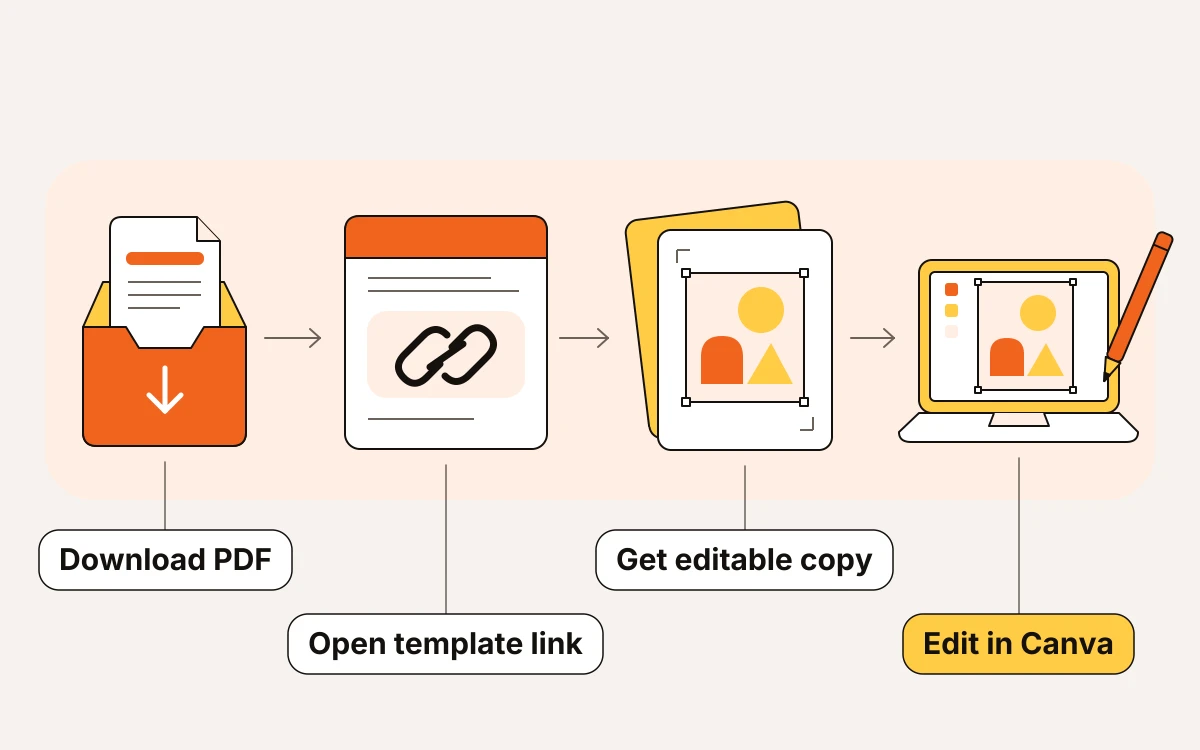
Before checkout, make sure buyers know which type of product they’re getting:
- Editable template: Buyers open their own copy in Canva and customize the design.
- Finished printable: Buyers receive a completed file to print, rather than a Canva design to edit.
- Physical print-on-demand product: Buyers receive a shipped item, such as a poster or mug.
For an editable template, set up delivery in this order:
- Create the Canva Template Link. In your Canva design, select Share → Template Link and copy the link. This gives buyers their own copy without giving them edit access to your master design.
- Build the instruction PDF. Include the link with a clear label so buyers know where to click. Explain that they’ll need to open it using their own Canva account.
- Upload the PDF to Etsy. When you create the listing, choose Digital Product, then attach the PDF as the digital file.
After checkout, Etsy automatically gives the buyer access to your uploaded PDF. They download it and follow the link to open their own editable copy in Canva. Your master design stays separate.
Before publishing, open the link from the PDF yourself. It should take you through the steps to create a template copy. If it opens your master-design editor instead, replace it with the Canva Template Link.
Choose a template around a specific buyer's task
Make your first template for a buyer your shop already serves. Start with a task you can make easier. The design style comes after that.
- Start with your existing customers: what they buy and the requests they send. If your shop already serves wedding buyers, an invitation is a closer fit than a set of social media templates.
- Wedding invitations help buyers add their own event details. Leave space for names, dates, venues, and RSVP information: how guests should reply. Longer names and addresses need room, too. That space saves buyers from having to rebuild the layout.
- Instagram carousels, or posts with several slides, suit social media managers who reuse content formats. They'll need layouts for an opening message and supporting points. A closing prompt tells readers what to do next. Keeping text and image spaces consistent helps buyers reuse the set across posts.
- Lead magnet workbooks are free downloads used to attract potential clients. They suit coaches putting client exercises into a workbook. Clear instructions and enough space to write matter more than decoration. Say you sell digital resources for coaches: a client goal-setting workbook gives you a focused product to build next.
Before designing, write down who the buyer is, their task, and what they'll change. If you can't name those clearly, narrow the product before adding pages.
Build an editable workbook for a coaching business
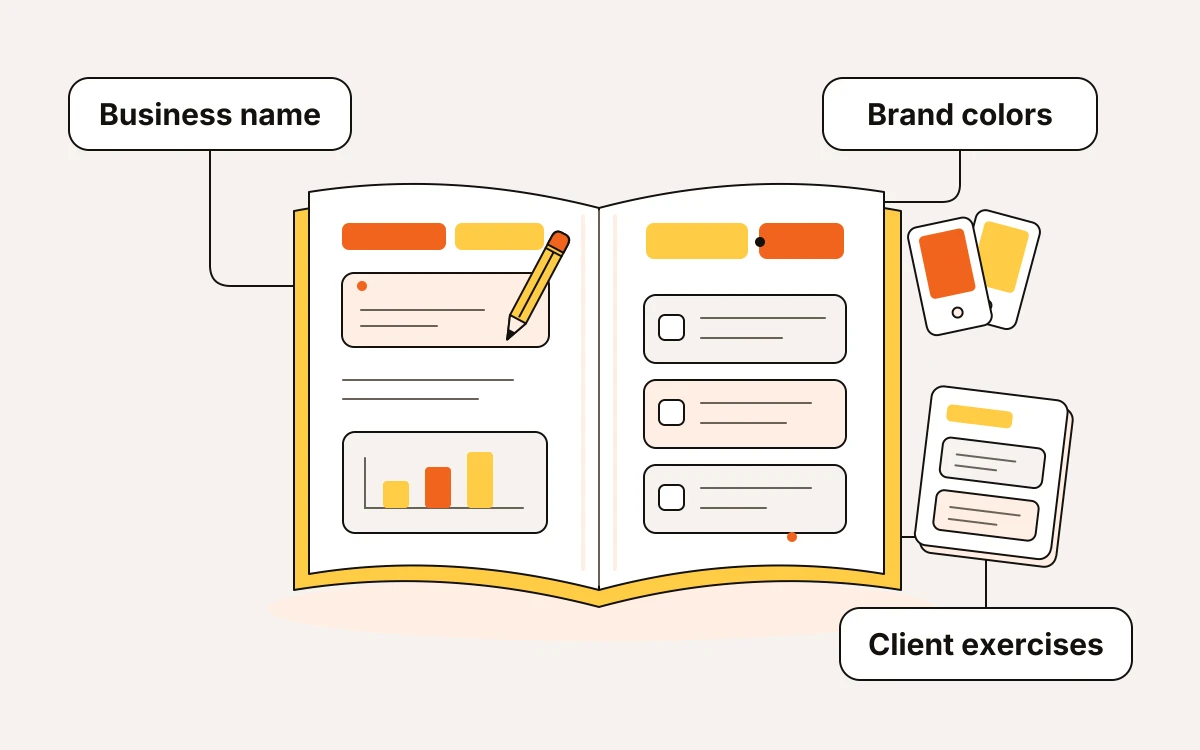
Say you sell printable worksheets for career coaches. An editable workbook lets them add their branding, such as their business name and colors. They can also adapt the exercises for clients working toward a career goal.
Compare phrases before you design
Compare “career coaching workbook,” “career goal planner,” and “client goal setting workbook” in eMarketInsight’s free Etsy keyword research tool. Look at demand (buyer interest) and competition (other listings). Check opportunity (room to compete), prices, and top sellers, too. Etsy search-demand numbers are estimates; Etsy publishes no search volume, or count of searches.
Focus on what the coach needs to do with the workbook. If a phrase mostly brings up personal planners, favor one with listings for coaches preparing client exercises. Those listings can show you what buyers expect to receive. Use them for that check without copying their page layouts.
Build pages a coach can reuse
Give each page a job. Make the headings, prompts, colors, and spaces for the coach’s branding editable:
- Cover: Workbook name, client name, coach’s business name, and session date.
- Reflection: Prompts such as “Which tasks give you energy?” and “What would you change about your current role?” Leave room for written answers.
- Goal-setting: Space for a career goal, why it matters, and what progress would look like.
- Action plan: Fields for the next action, target date, support needed, and a follow-up note.
Use the same heading styles and writing spaces throughout. This makes later requests for changes easier to handle. You can change the branding or prompts without rebuilding every page.
Make the listing match the product
Use this title: Career Coaching Workbook Canva Template | Editable Client Goal Planner.
Describe it as a workbook coaches can edit for client sessions. Explain the two versions they’re getting. The editable copy lets the coach change the workbook. The finished printable is the version they export, or save for printing, after editing.
Before calling it ready, check:
- Can the coach replace the branding without moving the layout?
- Do the prompts follow a clear path from reflection to action?
- Is there enough writing space when printed?
- Does the listing describe only the pages you’ve actually built?
Avoid licensing confusion and misleading previews
You need permission to resell the design items in your template. Your previews and description also need to match what’s in the download. These checks help you avoid problems with usage rights and disappointed buyers.
Before publishing your coaching workbook, run this check:
- Read the license, or usage rules, for every Canva element, photo, and uploaded graphic in your template. It must allow you to sell the item as part of a template. Permission to use it in a finished design isn’t enough. A subscription, a free item, or changes to its look don’t automatically give you resale rights. If the license doesn’t cover your use, replace the item.
- Remove logos, brand names, and copyrighted images you don’t have permission to include. Use neutral placeholder text where the coach can add their own business name. That leaves room for their branding without using someone else’s without permission.
- Say whether buyers can use the template for personal use, business use (commercial use), or both. Explain what they can do. For the workbook, you could write: “You may customize this workbook for your coaching business and provide finished copies to your clients. You may not resell or redistribute the editable template.” You can only offer permissions that the licenses for your design items allow. Buying the template doesn’t automatically transfer copyright ownership, or legal ownership of the creative work.
- Put “Digital download—no physical product will be shipped” in the description. Keep your first listing photo clean and focused on the workbook’s actual pages. Make sure “Editable Canva template” is visible. Later photos can show included pages and the workbook in use. If a preview shows a printed workbook, make clear that printing isn’t included.
Get one download ready for your shop this week
Finish the coaching workbook and test what buyers get before building another product. Spend your time making one download work well, with clear instructions. Then move on to a larger bundle.
Use this pre-publish checklist:
- Use a separate buyer account to open the PDF delivery file, which contains the download instructions. Follow its Canva Template Link, the link buyers use to make their own editable copy. It should let them change that copy without accessing your master design, the original you keep. If the link fails, fix it before publishing.
- Check that every included page opens correctly in the buyer’s copy. Try replacing the sample text and images. This helps you spot anything buyers can’t change as intended.
- Check the instructions by following each step in order instead of relying on memory. Fix any missing steps, unclear button names, and leftover draft text you find along the way.
- Preview your listing photos at small sizes on a phone. If the workbook and “Editable Canva template” label are hard to read, simplify the image.
- Publish, then keep a running note of buyers’ questions and anything that confuses them. If a question keeps coming up, fix the matching instruction or listing detail before adding more products.
Frequently asked questions
Which Canva templates sell the most?
There’s no supported sales ranking here to tell you which Canva template category sells the most. Choose based on what your buyer needs to do. Invitations need event details that are easy to edit; carousels need reusable layouts. Workbooks need room for prompts and answers. For your first product, pick the task you can make easiest to complete.